How to Order Jollibee Online – Step by Step Guide
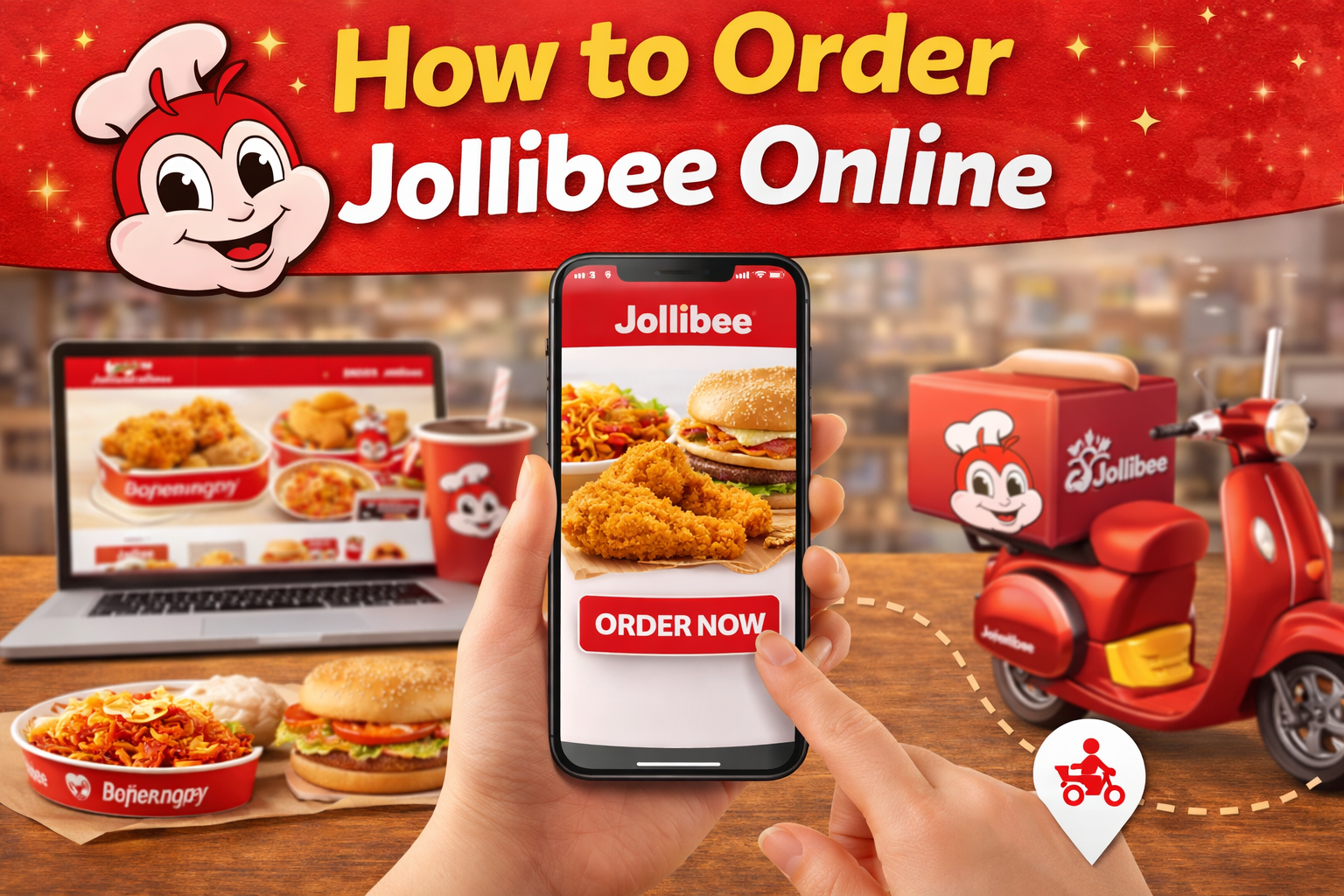
Ordering Jollibee online has become one of the easiest ways to enjoy your favorite Filipino fast food without waiting in line. Whether you are ordering for yourself, your family, or an entire office, Jollibee offers multiple digital ordering options that let you browse the full menu, customize your order, apply promo codes, and choose between delivery and pickup — all from your phone or computer. This complete guide walks you through every method for ordering Jollibee online in 2026, with step-by-step instructions, platform comparisons, and tips for getting the best deals.
Method 1: Jollibee App (Recommended)
The official Jollibee app is the best way to order online because it offers the lowest prices, exclusive promo codes, and free delivery on qualifying orders. The app is available for both Android (Google Play) and iOS (Apple App Store) and is completely free to download.
How to order through the Jollibee App:
- Download the Jollibee App — Search “Jollibee” in Google Play or the Apple App Store. Download and install the official app (look for the Jollibee logo with the red bee).
- Create an account — Register using your mobile number or email address. You will receive a verification code to confirm your account. Creating an account lets you save your delivery address, payment methods, and order history for faster future orders.
- Set your location — Enter your delivery address or choose “Pick Up” if you prefer to collect your order at a nearby store. The app will automatically find the nearest Jollibee branch that can serve your area.
- Browse the menu and add items — Swipe through categories (Chickenjoy, Burgers, Spaghetti, Rice Meals, Desserts, Beverages, Family Meals) and tap any item to add it to your cart. You can customize certain items and add special instructions.
- Apply promo codes — Before checkout, tap the “Apply Voucher” or “Promo Code” field to enter any discount codes. The app regularly distributes exclusive codes through push notifications, email newsletters, and social media campaigns.
- Choose payment method — Options typically include Cash on Delivery (COD), GCash, Maya, credit/debit card, and bank transfer. GCash and Maya are the most popular digital payment methods in the Philippines.
- Place your order — Review your order summary, confirm the total (including any delivery fee), and tap “Place Order.” You will receive an order confirmation and can track your delivery or pickup status in real time through the app.
Jollibee App advantages: Menu prices match in-store prices (no third-party markup), free delivery on orders above the minimum threshold (typically ₱200-₱300), exclusive app-only promo codes, order tracking, and saved favorites for quick reordering.
Method 2: GrabFood
GrabFood is the most popular third-party food delivery platform in the Philippines and is the most common alternative to the Jollibee app. Most Filipinos already have the Grab app installed for ride-hailing, which makes GrabFood a convenient choice.
How to order Jollibee through GrabFood:
- Open the Grab app and switch to the “Food” tab at the bottom of the screen.
- Search “Jollibee” or browse through the “Popular Near You” section. Tap the nearest Jollibee branch.
- Browse the menu, add items to your cart, and proceed to checkout.
- Apply any available vouchers — GrabFood frequently distributes Jollibee-specific discount vouchers through the app, in-app games, and partner promotions.
- Choose payment (GrabPay, GCash, cash, card) and place your order.
GrabFood considerations: Prices are typically ₱5-₱15 higher per item than in-store due to the platform’s commission markup. Delivery fees range from ₱29-₱59 depending on distance and time of day. However, GrabFood’s frequent voucher campaigns can offset or exceed these markups, sometimes making it cheaper than the Jollibee app during promotional periods. GrabUnlimited subscribers get free delivery on qualifying orders.
Method 3: Foodpanda
Foodpanda is another popular delivery platform in the Philippines, often offering competitive pricing and delivery fees that can undercut GrabFood in certain areas.
How to order Jollibee through Foodpanda: The process is nearly identical to GrabFood — download the Foodpanda app, search for Jollibee, browse the menu, add items, apply vouchers, and place your order. Foodpanda accepts cash, GCash, Maya, and credit/debit card payments.
Foodpanda considerations: Price markups are similar to GrabFood (₱5-₱10 per item), but delivery fees can sometimes be lower, especially in provincial areas where Foodpanda has established a strong presence. Foodpanda Pro subscribers get free delivery and additional discounts on Jollibee orders.
Method 4: Jollibee Website
If you prefer ordering from a desktop computer or laptop, the Jollibee delivery website provides the same menu, pricing, and features as the app. This is useful for office orders or when you want to browse the menu on a larger screen. Simply visit the official Jollibee delivery website, enter your delivery address, browse the menu, and place your order. Pricing matches the Jollibee app.
Platform Comparison: Which Should You Use?
| Feature | Jollibee App | GrabFood | Foodpanda |
|---|---|---|---|
| Menu Prices | Same as in-store | ₱5-₱15 higher | ₱5-₱10 higher |
| Delivery Fee | Free (above min. order) | ₱29-₱59 | ₱29-₱49 |
| Promo Codes | App-exclusive codes | Frequent vouchers | Occasional vouchers |
| Payment Options | COD, GCash, Maya, Card | GrabPay, GCash, Cash, Card | Cash, GCash, Maya, Card |
| Delivery Speed | 30-45 minutes | 25-40 minutes | 30-50 minutes |
| Best For | Cheapest overall price | Speed + frequent promos | Provincial areas |
Tips for Ordering Jollibee Online
- Always compare prices across all three platforms before ordering — Active promotions change daily. A 30-second check across the Jollibee app, GrabFood, and Foodpanda can save you ₱50-₱100 on a family order.
- Order family bundles for delivery — The per-person cost drops dramatically with family bundles, and the savings offset delivery fees. A Chickenjoy 6-pc Bucket with spaghetti pan costs far less per person than six individual meals.
- Enable push notifications on the Jollibee app — Exclusive promo codes are often sent via push notification and are time-limited. Having notifications on ensures you never miss a deal.
- Choose pickup for maximum savings — If a Jollibee store is nearby, ordering through the app for pickup gives you the lowest menu prices with zero delivery fees. Many stores have a dedicated pickup counter for online orders, so you skip the regular queue.
- Avoid ordering during peak hours — Lunch rush (11:30 AM – 1:00 PM) and dinner rush (6:00 PM – 8:00 PM) have the longest delivery wait times and the highest surge delivery fees on third-party platforms.
Troubleshooting Common Online Ordering Issues
While ordering Jollibee online is generally straightforward, customers occasionally encounter issues. Here are the most common problems and how to resolve them quickly:
- “No stores available in your area” — This means the nearest Jollibee branch is outside the delivery radius for your address. Try switching to a different delivery platform (GrabFood or Foodpanda may have wider coverage), or use the store locator in the Jollibee app to find the nearest branch and order for pickup instead.
- Items showing as unavailable — Some menu items may be temporarily unavailable at specific branches due to ingredient shortages or high demand. If your preferred item is unavailable, try ordering from a different nearby branch. Limited-edition items like Spicy Chickenjoy or Ube Cheese Pie sell out fastest during peak hours.
- Promo code not working — Most Jollibee app promo codes have minimum order requirements, expiration dates, and item exclusions. Check the terms and conditions of the promo code to ensure your order qualifies. Some codes are single-use and cannot be reapplied if the order is cancelled.
- Delivery taking longer than expected — During peak hours (11:30 AM – 1:00 PM and 6:00 PM – 8:00 PM), delivery times can extend to 50-60 minutes. If your order is significantly delayed beyond the estimated time, contact customer support through the app for real-time updates or potential compensation.
- Wrong or missing items — If you receive incorrect or missing items, take a photo of what you received and contact customer support through the platform you ordered from. Both the Jollibee app and third-party platforms have complaint resolution processes that typically result in a refund or replacement for legitimate issues.
Ordering for Groups and Events
Ordering Jollibee online for groups larger than 5-6 people requires some planning to ensure everything goes smoothly. For office lunch orders, designate one person to collect everyone’s choices and place a single combined order through the Jollibee app — this qualifies for free delivery on the larger total and avoids multiple delivery fees. Request the food to arrive 15-20 minutes before the planned meal time to account for potential delays.
For events and parties, the Jollibee app allows you to order party packages and large bundles directly. For very large orders exceeding ₱5,000, calling the nearest Jollibee branch directly is recommended — they can arrange scheduled preparation and dedicated delivery to ensure hot, fresh food arrives exactly when you need it. Some branches offer advance ordering up to 48 hours ahead for large event orders, which guarantees availability even during peak demand periods.
Frequently Asked Questions
What is the best way to order Jollibee online?
The Jollibee app is the best option for most customers because it offers in-store pricing (no markup), free delivery on qualifying orders, and exclusive promo codes. Use GrabFood or Foodpanda only when their voucher discounts make them cheaper than the Jollibee app.
Can I pay cash for Jollibee online orders?
Yes, Cash on Delivery (COD) is available on the Jollibee app and Foodpanda. GrabFood also accepts cash payment. Simply select “Cash” as your payment method at checkout and pay the rider when your order arrives.
How long does Jollibee delivery take?
Delivery typically takes 25-50 minutes depending on the platform, your distance from the store, and the time of day. The Jollibee app averages 30-45 minutes, GrabFood 25-40 minutes, and Foodpanda 30-50 minutes. Ordering during off-peak hours ensures faster delivery.
Is there a minimum order for Jollibee delivery?
The Jollibee app typically requires a minimum order of ₱200-₱300 for free delivery. Orders below this minimum may incur a delivery fee. GrabFood and Foodpanda have their own minimum order requirements, which vary by location but are generally ₱99-₱150.